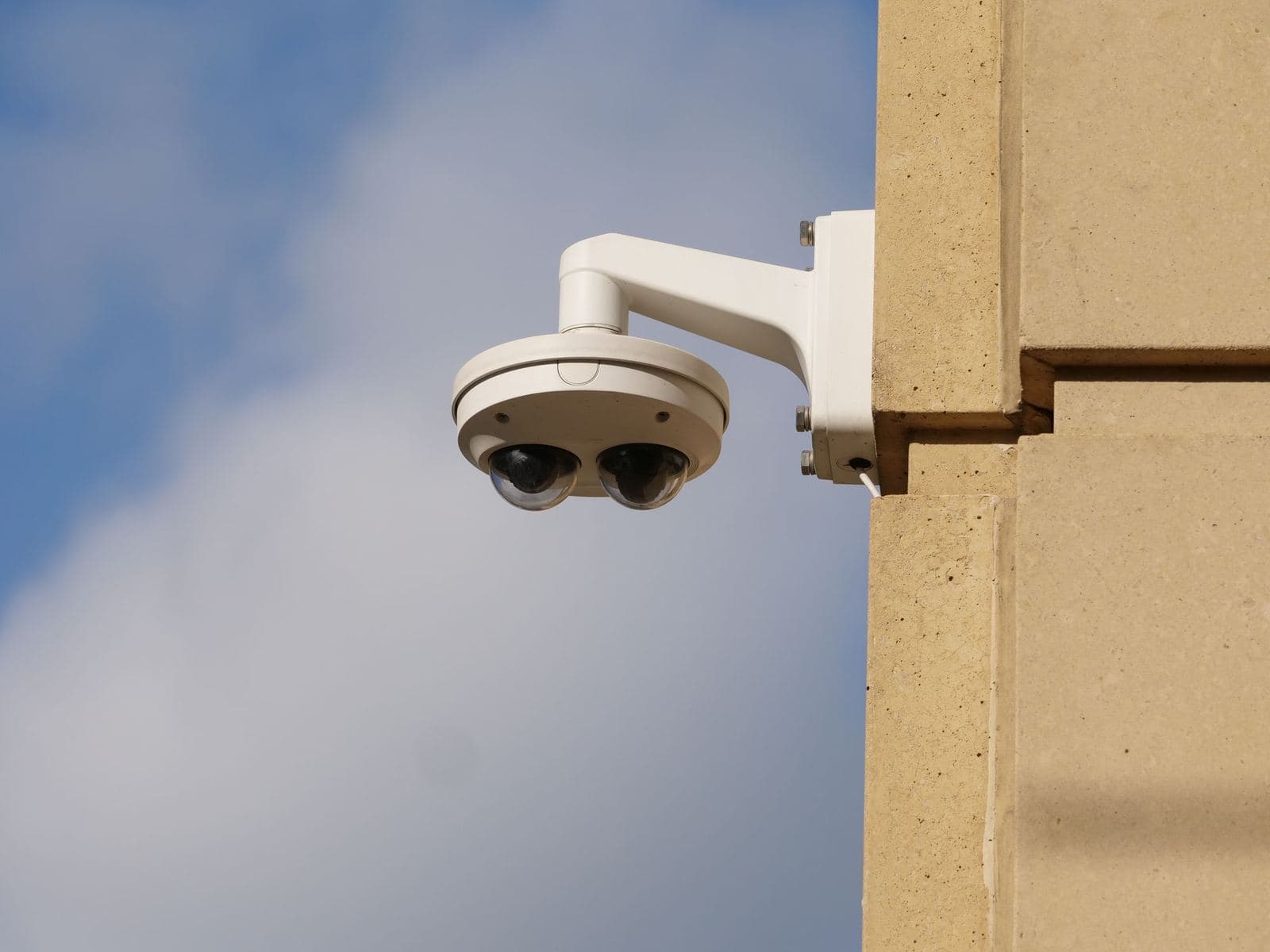
A CCTV system records what its cameras see, whether they cover entrances, aisles, production lines or loading areas. On its own, though, a recording needs someone to be watching the right screen at the right moment, or to search the footage after something has already gone wrong. Ai-Ai-Ai describes this as a security gap: cameras alone are not enough, and teams need actionable intelligence and workflows.
AI Camera adds AI to the CCTV you already have, so the cameras detect incidents and send alerts automatically. This article covers what changes, where it fits, how alerts reach the right people, and what to prepare before you start.
What changes when CCTV gets AI
The cameras themselves are not replaced. AI Camera works with the cameras you already have, so there is no new camera investment. What changes is what happens to the video. On the AI Operations Platform, computer vision reads the camera feeds and anomaly detection finds what is unusual.
- Real-time detection: AI detects incidents and anomalies in the area in real time, so spotting them does not depend only on someone watching a monitor.
- Instant alerts: when an event is detected, an alert goes out at once with the event image and the location.
- Behavior analytics: the same camera feeds give you people counting, heatmaps, statistics and license plate reading.
- No new cameras: CCTV is one of the data sources the platform connects to, and nothing needs to be replaced to get started.
The shift is from recording to noticing. A camera that only records helps you after the fact. A camera connected to AI can alert someone while the event is happening.
Behavior analytics also turns video into figures. People counting shows how many people pass through an area, heatmaps show which parts of an area see the most activity, and license plate reading reads the plates of passing vehicles. The platform's data layer stores every reading over time, so these figures are kept as a history rather than seen once on a live screen.
Where AI cameras fit
Ai-Ai-Ai lists AI Camera as ideal for retail, buildings, factories, and traffic and smart city. The industry solutions on the AI Operations Platform also include monitoring points that relate to cameras, safety and security:
- Retail, in shops and shopping malls: people counting with AI vision, queue monitoring, and security and safety.
- Buildings, in offices and commercial buildings: security, on the same platform as HVAC, lighting and energy management.
- Factories, in manufacturing plants: safety, covering PPE, zones and alarms.
- Warehouses and cold storage: safety and CCTV analytics, alongside door and access control and cold chain monitoring.
In each case, a useful starting question is the same: which areas already have cameras, and which events in those areas need a person to respond? For example, a factory might begin with PPE safety in one production zone, while a retailer might begin with queue monitoring at the checkout. These are illustrations, not customer cases.
How alerts reach people
A detection helps most when the right person sees it in time. On the AI Operations Platform, alerts go straight to the person responsible. Managers can watch every site, receive alerts and approve actions on desktop or mobile, through the dashboard and the mobile app. Every sensor, camera, machine and robot across all your sites can be seen on one screen.
The platform follows a simple rule: AI proposes, people approve. When something is detected, the platform can propose the next best action with the evidence behind it, and a person decides whether to go ahead. Approved actions run automatically and every step is logged, so there is a record to check afterwards.
Example from the sample data in our interactive demo, not a customer case: press line camera 02 sees a worker without a helmet in the Press 4 zone. The platform raises a warning with a snapshot attached and proposes alerting the shift supervisor. If someone approves, the supervisor is alerted on mobile with the snapshot and location. If the event is dismissed instead, it is noted in the safety log.
What to prepare before you start
You do not need new cameras, but some preparation helps the first alerts reach the right people. In our view, three short lists are a good place to start.
- 1.List your cameras. Note where each camera is, which area it covers and which site it belongs to. This shows which areas, and so which events, your cameras can see.
- 2.Decide which events matter. Pick a short list of events that need a response, such as a worker without a helmet, someone in a restricted zone or a growing queue. A few clear events are easier to act on than an attempt to watch for everything.
- 3.Decide who receives which alert. Name the person responsible for each type of event at each site, and who approves the follow-up action. An alert that reaches one named owner is easier to act on than one sent to a whole group.
From there, setup follows four standard steps. You choose the modules and subscription package that fit your business. Our team activates the platform, configures it, imports data and connects APIs. Your team is trained for go-live. After that, updates and new features arrive automatically, with Customer Success throughout. Installation and device integration, user training, Customer Success for the whole contract and 24/7 operations support are included.